Account Access Made Easy
Our team is here to help you manage your account details and Partner Portal login with quick, expert support.
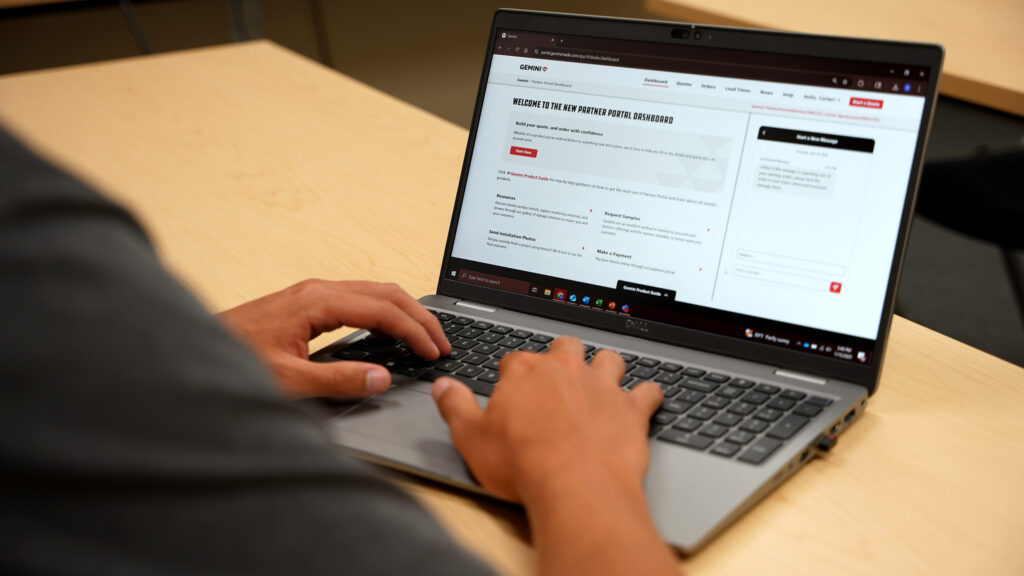
Account Information & Partner Portal Log in FAQs:
Q: What is my Partner ID?
A: Your Partner ID, also referred to as your Customer Number, is a unique 6‑digit number assigned to your partner account. You can find your Partner ID on any quote or order, as well as in the top‑right corner of the Partner Portal.
Q: How do I gain access to the Partner Portal?
A: Please refer to the ‘How to Request Access to Partner Portal’ article in the Gemini Product Guide for step‑by‑step instructions.
Q: I forgot my password; how do I get logged in?
A: If you’ve forgotten your password, select the Forgot Password link below the sign‑in button. This will guide you through resetting your password so you can log in.
Q: How do I update my default shipping address?
A: You can manage and update your shipping addresses directly in the Partner Portal. This is a fast and convenient way to keep your account information up to date.
Q: Where can I find Partner Portal how‑to guides?
A: You can find Partner Portal how-to guides in our Gemini Product Guide.
Q: What browser works best with the Partner Portal?
A: For optimal performance, we recommend using Microsoft Edge. The Partner Portal is also supported in Google Chrome and Mozilla Firefox.
Manage Account:
You can manage users, update your billing and shipping addresses, or find Tax Exemptions through the Partner Portal, ‘Manage Account’ tab.
Not on Partner Portal Yet?
If you do not have Partner Portal access and you’d like to contact us, we’d be happy to help. Typically, we respond to requests within 1-2 business days.
Non-Portal Partner Account Information contact Form

Contact Us
Have a question? Get in touch with us and we’ll help you at any stage of your project.